JD Wild Maya Withdrawal and Deposit: Complete Guide for Filipino Players
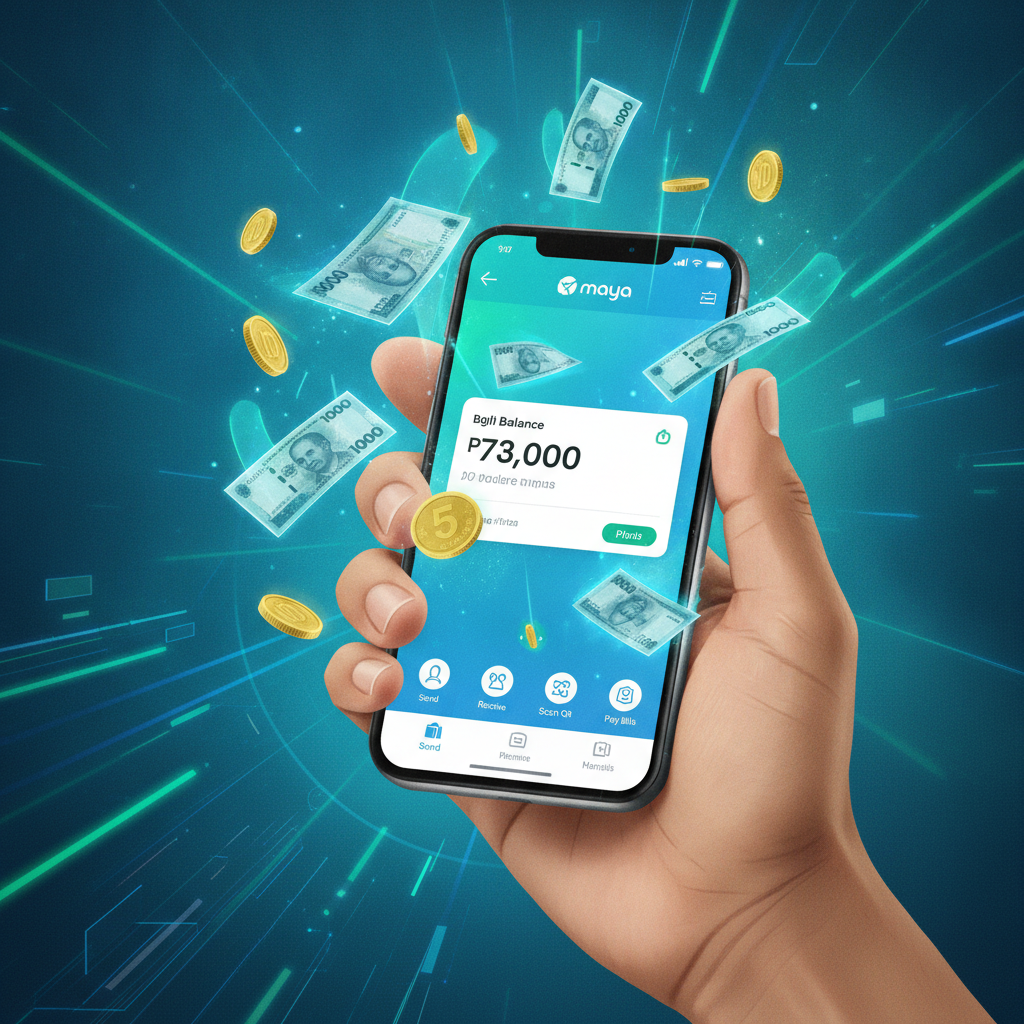
How to Add Maya as a Payment Method in JD Wild
Before you can deposit or withdraw pesos using Maya, you need to link your Maya account inside the JD Wild cashier.
Log into your JD Wild account on your Android phone or browser. Tap the cashier or wallet icon—usually at the top right of the screen. Select "Deposit" and scroll through the available payment methods until you see the Maya logo.
Tap Maya, then enter your registered Maya mobile number. JD Wild will ask you to confirm the number matches the one tied to your Maya account. Some players are prompted to verify via SMS one-time password (OTP); others are redirected to the Maya app to authorize the link.
Once linked, Maya will appear as a saved payment option for future deposits and withdrawals. You only need to complete this step once, unless you change your Maya number or reinstall the JD Wild app.
Keep your Maya app updated and ensure you have completed Maya's own identity verification. Without full Maya KYC, transaction limits may be lower or deposits may fail.
Depositing Pesos via Maya: Steps, Limits, and Speed
To load funds from your Maya wallet into JD Wild, open the JD Wild cashier and tap "Deposit." Select Maya from the list of e-wallets.
Enter the amount you want to deposit in pesos. Most players deposit between PHP 100 and PHP 500 per transaction. The typical minimum is PHP 100; the maximum per deposit is often PHP 50,000, though your personal limit may be lower if your JD Wild or Maya account is new or unverified.
Review the amount, then tap "Confirm" or "Proceed." You will be redirected to the Maya app or a Maya web payment page. Log in with your Maya PIN or biometric authentication, check the merchant name (it may say JD Wild or a related payment processor), and confirm the payment.
Maya deposits are instant in most cases. The pesos should appear in your JD Wild balance within seconds. If the balance does not update immediately, wait two to three minutes and refresh the app. Check your Maya transaction history to confirm the deduction went through.
JD Wild does not charge a deposit fee for Maya transactions. Maya itself does not charge a fee for outgoing payments to merchants, so your PHP 500 deposit will arrive as PHP 500 in your casino balance.
Withdrawing to Maya: Cashout Steps, Processing Time, and Fees
When you are ready to cash out winnings or leftover balance, go to the JD Wild cashier and tap "Withdraw" or "Cash Out."
Select Maya as your withdrawal method. If you have not yet linked Maya, you will need to add it as described above.
Enter the amount you want to withdraw. Minimum cashouts are usually PHP 100 or PHP 200. The maximum per withdrawal depends on your account status and verification level; most players can withdraw up to PHP 50,000 per transaction, with daily or weekly caps that vary by player.
Confirm your Maya mobile number. Double-check that it matches your registered Maya account—sending funds to the wrong number can delay your cashout or require support to reverse the transaction.
Tap "Submit" or "Confirm Withdrawal." JD Wild will process the request. You may be asked to enter a verification code sent via SMS or email.
Processing time: Most JD Wild Maya withdrawals are completed within 15 minutes to two hours during business hours. Some cashouts may take up to 24 hours if additional account checks are required. Withdrawals requested late at night or on weekends may be processed the next business day.
Fees: JD Wild does not charge a withdrawal fee for Maya cashouts in most cases. Maya does not charge a fee to receive funds. The amount you request is the amount that should land in your Maya wallet.
Check your Maya app after processing is complete. The funds will appear in your Maya wallet as a credit from JD Wild or the payment processor. You can then use those pesos for purchases, bills, or transfer to your bank account via Maya's own cash-out features.
Troubleshooting Maya Transaction Errors
Even when your Maya account is linked and verified, deposits or withdrawals can fail. Here are the most common issues and how to fix them.
Insufficient Balance in Maya Wallet
If your Maya wallet does not have enough pesos to cover the deposit amount, the transaction will be declined. Check your Maya balance before confirming a deposit in JD Wild. Top up your Maya wallet via bank transfer, 7-Eleven, or other Maya cash-in channels, then try the deposit again.
Maya Account Not Linked or Verification Failed
If JD Wild displays an error saying "Maya account not linked" or "verification failed," go back to the cashier and re-add Maya as a payment method. Make sure you enter the exact mobile number registered with Maya. If you recently changed your Maya number, update it in the JD Wild cashier before attempting another transaction.
Some players see this error after reinstalling the JD Wild app. Re-linking Maya takes only a minute and should resolve the issue.
Transaction Pending or "Processing" for Too Long
A deposit that shows "pending" in JD Wild but has already been deducted from your Maya wallet can be frustrating. Wait 30 minutes; many pending deposits clear automatically. Check your Maya transaction history to confirm the payment was completed on Maya's side.
If the deposit does not credit after one hour, contact JD Wild support via live chat or email. Provide your Maya reference number (found in your Maya transaction list) and the deposit amount. Support can manually credit the balance or investigate a failed transaction.
For withdrawals stuck in "processing," the delay is usually on JD Wild's end, not Maya. Withdrawals that take longer than 24 hours should be escalated to support with your withdrawal reference number and Maya mobile number.
"Transaction Declined" or "Payment Failed"
This error can have several causes:
- Daily limit reached: Maya and JD Wild both impose daily transaction limits. If you have already made multiple deposits or withdrawals in one day, you may hit the cap. Wait until the next day or try a smaller amount.
- Incorrect mobile number: Double-check the Maya number in your JD Wild cashier matches your actual Maya account. Even one wrong digit will cause a failure.
- Maya app outdated or offline: Update the Maya app to the latest version and ensure you have a stable internet connection. Mobile data or Wi-Fi interruptions during payment authorization can trigger a decline.
- Account restrictions: If Maya has flagged your account for suspicious activity or incomplete KYC, transactions to third parties like JD Wild may be blocked. Log into Maya, check for alerts or verification prompts, and resolve any issues in your Maya account settings.
If none of these fixes work, reach out to JD Wild support and Maya customer service separately to identify whether the block is on the casino side or the e-wallet side.
Withdrawal Rejected or Returned
JD Wild may reject a cashout if your account has not yet met wagering requirements on a bonus, if your ID documents are pending verification, or if the withdrawal amount exceeds your available balance. Check your JD Wild account status and complete any outstanding verification steps.
A rejected withdrawal is returned to your JD Wild balance, not to Maya. You can attempt the cashout again once the issue is resolved.
21+ Only and Responsible Gambling Reminder
JD Wild is for players aged 21 and over only. Online gambling should be entertainment, not a way to solve money problems. Set a budget for deposits before you play, and stick to it. If you find it hard to control your betting or need support, contact a gambling helpline or take a break from play. Never chase losses or bet more than you can afford to lose.
This guide covers the practical steps to deposit and withdraw pesos using Maya at JD Wild, typical limits and processing times, and solutions for common transaction errors. Maya is one of the fastest and most convenient e-wallet options for Filipino players who want instant deposits and quick cashouts without bank transfer delays.