JD Wild Login Problems: Can't Sign In? Try These 6 Fixes
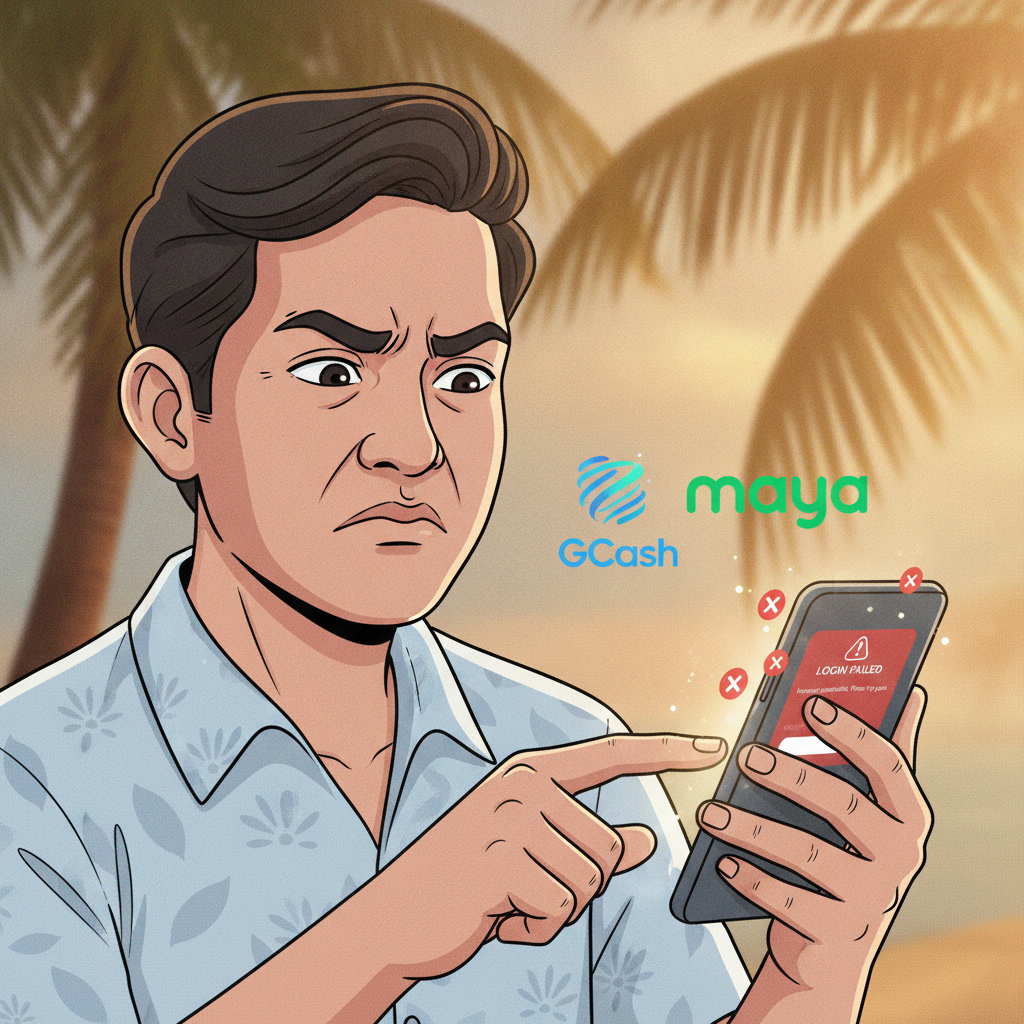
Incorrect Username or Password: Reset and Recovery Steps
Forgotten credentials are the most common reason players can't access their JD Wild account. If you're seeing "invalid username or password" on the login screen, start with a password reset.
On the JD Wild app or website, tap Forgot Password below the login button. Enter the mobile number or email address you used during registration. You'll receive a verification code via SMS or email, usually within one to three minutes. Enter the code, then create a new password—at least eight characters, mixing letters and numbers.
If the code doesn't arrive, check your spam folder or confirm the mobile number is still active. If you registered using a GCash-linked number and changed your SIM, you may need to contact support to update your contact details before resetting the password.
Username confusion: JD Wild typically uses your mobile number as the username. If you registered with an email, use that instead. Double-check for typos—zero versus capital O, or extra spaces before or after.
Keep your new password in a notes app or password manager. Avoid reusing passwords from other casino or e-wallet accounts.
Account Locked or Suspended: Common Triggers and How to Appeal
If you enter the wrong password five or more times in quick succession, JD Wild may temporarily lock your account for security. Wait 30 minutes, then try again. This automatic lock usually lifts without action.
Longer suspensions happen when the platform detects policy violations:
- Multiple accounts: JD Wild allows one account per person. Registering a second account under a different number can trigger a permanent ban.
- Disputed withdrawals or chargebacks: If you reversed a GCash or Maya deposit through your e-wallet provider, JD Wild may freeze your account pending investigation.
- Verification failures: Uploading another person's ID or a blurry selfie can result in a hold until you submit clear, matching documents.
- Bonus abuse: Repeatedly creating accounts to claim the welcome bonus violates terms.
How to appeal: Open the JD Wild app or website and look for Live Chat or Customer Support in the menu. Explain the suspension, provide your registered mobile number, and attach any requested documents—valid government ID, proof of address, or screenshots of successful GCash deposits. Most appeals receive a reply within 24 to 48 hours.
Be polite and factual. Aggressive messages or threats rarely speed up the process and may result in permanent closure.
App Won't Load the Login Screen: Clear Cache, Reinstall APK
When the JD Wild app opens to a blank screen, endless loading spinner, or crashes before you can enter credentials, cached data is often the culprit.
On Android:
- Go to Settings > Apps > JD Wild (or find it in your app list).
- Tap Storage, then Clear Cache. This deletes temporary files without removing your saved login.
- Restart your phone and open JD Wild again.
If clearing cache doesn't help, try Clear Data—but note this will log you out and delete any saved preferences. You'll need your username and password to sign back in.
Reinstall the APK:
If you downloaded the JD Wild Android app as an APK file from the operator's website, the file may be outdated or corrupted. Visit the official JD Wild site on your mobile browser, download the latest APK, and install over the old version. Android will ask permission to install from unknown sources—enable it in Settings > Security if prompted.
On iOS:
Delete the JD Wild app by long-pressing the icon and tapping Remove App. Open the App Store, search for JD Wild, and reinstall. iOS apps update automatically if you have that setting enabled, so an outdated version is less common than on Android.
Before reinstalling, make sure you remember your login credentials. You won't be able to recover them from a deleted app.
'Session Expired' or 'Connection Error' Messages on Mobile
Session expired means JD Wild logged you out for security—usually after 15 to 30 minutes of inactivity or if you logged in on a different device. Simply enter your username and password again. If you're in the middle of placing a bet or checking a withdrawal, any unsaved changes will be lost, so work quickly or keep the app active.
To stay logged in longer, enable Remember Me on the login screen (if available). This keeps your session alive for up to seven days on the same device, but you'll still be logged out if you clear app data or switch phones.
Connection error warnings appear when your internet drops or JD Wild's servers are slow. Check your signal:
- Switch between Wi-Fi and mobile data. Public Wi-Fi in malls or coffee shops sometimes blocks gambling sites.
- Restart your router or toggle Airplane Mode on and off.
- Test your connection by opening Facebook or Google—if those load, the issue is likely on JD Wild's end.
During peak hours—evenings and weekends when PBA or NBA games are live—server traffic can spike. Wait five to ten minutes and try again. If the error persists for more than an hour, check JD Wild's official Facebook page or Telegram channel for maintenance announcements.
VPN conflicts: Some players use VPNs to secure their connection, but certain VPN servers trigger JD Wild's geo-blocking. If you're in Metro Manila or the provinces and using a VPN, disconnect it and log in with your regular Philippine IP address.
When to Contact JD Wild Customer Support
Reach out to JD Wild support if:
- Password reset emails or SMS codes don't arrive after 10 minutes.
- Your account is locked for more than one hour without explanation.
- You're certain your username and password are correct, but login still fails.
- The app crashes immediately on launch even after reinstalling.
- You see a message like "Account under review" or "Contact support to proceed."
How to contact:
- Live chat: Fastest option, usually available 24/7. Look for the chat bubble icon in the app menu or on the website footer. Typical wait time is two to five minutes.
- Email: Check the JD Wild website for the support email address (often support@ or help@ followed by the domain). Include your registered mobile number, a screenshot of the error, and a brief description. Expect a reply within 12 to 24 hours.
- Facebook Messenger or Telegram: Some operators monitor social channels. Response times vary—usually a few hours during Philippine business hours.
What to include in your message:
- Your registered mobile number (not your full password).
- The device you're using (e.g., Samsung Galaxy A32, iPhone 12).
- The exact error message or a screenshot.
- Steps you've already tried—password reset, cache clearing, reinstall, etc.
Support agents can unlock accounts, resend verification codes, or escalate technical bugs to the development team. They cannot bypass security checks, so be ready to verify your identity with ID or deposit receipts.
Staying Safe and Playing Responsibly
JD Wild is for players 21 years old and above only. If you're experiencing login issues because of age-verification holds, ensure the birthdate on your submitted ID matches your registration details.
Responsible gambling reminder: Login problems can be frustrating, but they're also a natural pause. If you've been chasing losses, spending more pesos than planned, or feeling anxious about your balance, consider setting deposit limits in your account settings or taking a break. JD Wild offers self-exclusion options—contact support to activate a cooling-off period of days, weeks, or months.
Only bet what you can afford to lose. Gambling should be entertainment, not a way to solve financial problems. If you or someone you know needs help, reach out to a local support service or counselor.
Quick recap: Most JD Wild login problems stem from forgotten passwords, locked accounts, cached app data, or temporary connection errors. Start with a password reset, clear your cache, and check your internet. If the issue persists beyond an hour or you see an account suspension notice, contact JD Wild support with your details and screenshots. Keep your login credentials secure, play within your limits, and remember this is meant to be fun.