JD Wild GCash Withdrawal: Step-by-Step Guide to Cash Out Your Winnings
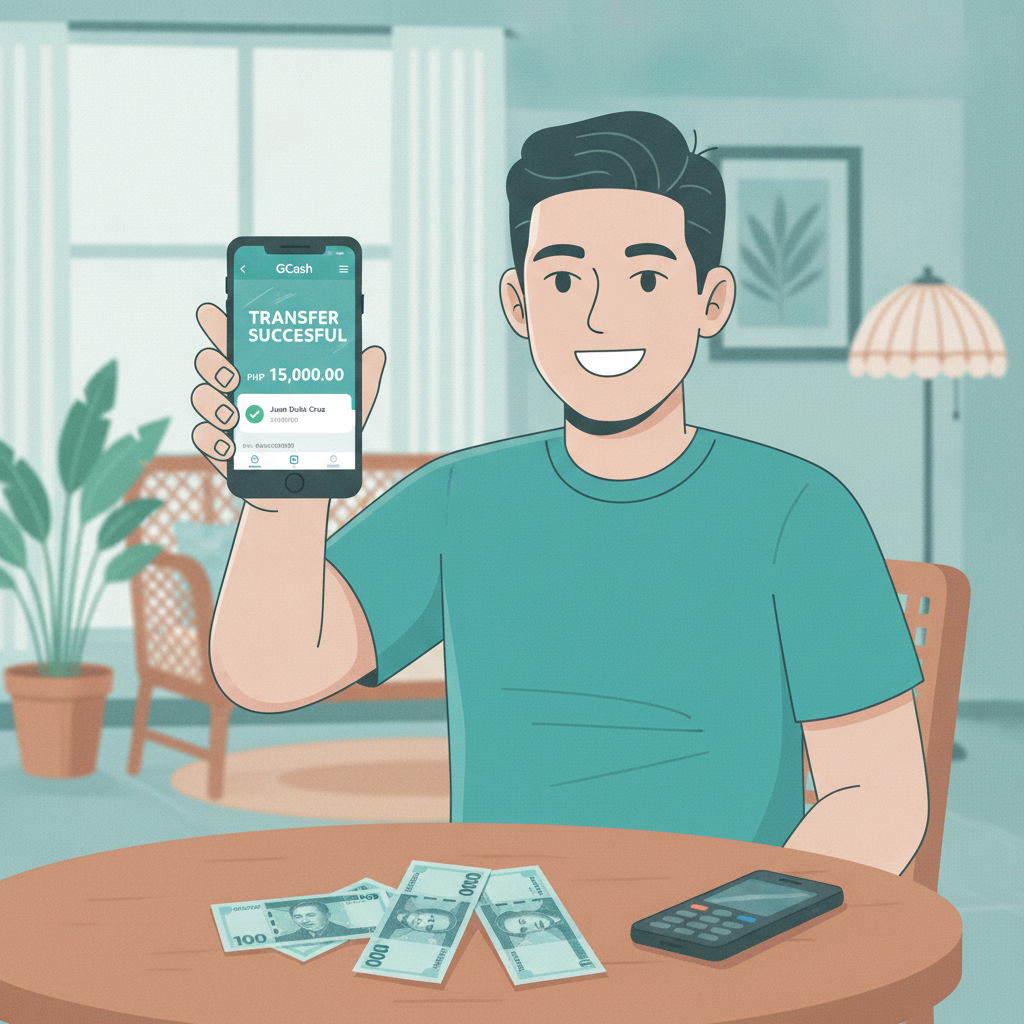
JD Wild GCash Withdrawal: Step-by-Step Guide to Cash Out Your Winnings
Cashing out your winnings from JD Wild to GCash is one of the fastest ways to get your money. Most GCash withdrawals process within minutes to a few hours, making it the preferred method for Filipino players who want quick access to their funds.
This guide walks through everything you need to know: linking your GCash account, requesting a withdrawal, understanding limits and fees, and fixing common errors that can delay your cashout.
This is an independent guide. JD Wild services are for players 21 years and older only.
How to Link Your GCash Account to JD Wild (One-Time Setup)
Before you can withdraw to GCash, you need to link your GCash account to your JD Wild player profile. This is a one-time process that helps verify your identity and ensures withdrawals go to the correct account.
Linking steps:
- Log in to your JD Wild account on your mobile browser or app.
- Navigate to the cashier or wallet section. Look for "Withdraw" or "Cash Out."
- Select GCash as your withdrawal method from the list of e-wallet options.
- Enter your GCash mobile number. This must be the number registered to your GCash account. Double-check that the number is correct—GCash will send funds to this number.
- Enter your full name exactly as it appears on your GCash account. Name mismatches are the most common reason withdrawals fail or get delayed. If your GCash account shows "Juan P. dela Cruz," enter it exactly that way, with the same spacing and punctuation.
- Submit for verification. Some players may be asked to upload a screenshot of their GCash profile or a photo of their valid ID. This step confirms that the GCash account belongs to you.
Once JD Wild verifies your GCash details, the account is linked. You won't need to repeat this process for future withdrawals unless you want to use a different GCash number.
Step-by-Step: Requesting a GCash Cashout from JD Wild Wallet
After your GCash account is linked, requesting a withdrawal takes just a few taps.
Withdrawal process:
- Check your JD Wild wallet balance. Make sure you have enough balance to cover the amount you want to withdraw. If you have an active bonus, check whether wagering requirements have been met—unmet bonus conditions can block withdrawals.
- Go to the cashier or withdrawal page. Tap "Withdraw" or "Cash Out."
- Select GCash from the payment options.
- Enter the amount you want to cash out. Stay within the minimum and maximum limits (covered in the next section). Enter the amount in PHP.
- Review the details. Confirm that your GCash number and name are correct, and that the withdrawal amount matches what you want.
- Submit your request. You'll see a confirmation message with a transaction reference number. Keep this number in case you need to follow up with customer support.
- Wait for processing. Most GCash withdrawals from JD Wild are processed within a few minutes to 2 hours during business hours. Requests made late at night or on weekends may take longer.
- Check your GCash wallet. Once the withdrawal is approved, the funds will appear in your GCash balance. You'll receive a GCash notification confirming the credit.
If your withdrawal is still pending after several hours, check your JD Wild account for messages or contact support with your transaction reference number.
Minimum and Maximum Withdrawal Limits for GCash
JD Wild sets minimum and maximum limits for GCash withdrawals. These limits help manage transaction volumes and comply with e-wallet processing rules.
Typical GCash withdrawal limits:
- Minimum withdrawal: PHP 100. You cannot request a cashout lower than this amount. If your balance is below PHP 100, you'll need to play or deposit to reach the minimum.
- Maximum withdrawal per transaction: Usually PHP 50,000. If you need to withdraw more, you can make multiple requests, but be aware of daily limits.
- Daily withdrawal limit: Many players report a daily cap around PHP 50,000 to PHP 100,000, depending on account status and verification level. VIP or fully verified accounts may have higher limits.
- Monthly withdrawal cap: Some accounts have a monthly maximum, especially for newer or unverified players.
Fees:
JD Wild typically does not charge a fee for GCash withdrawals, but check the cashier page before confirming your request—fees can change or apply based on your account tier. GCash itself does not charge a fee to receive funds.
Processing time:
- Instant to 2 hours: Most GCash cashouts are approved and sent within this window.
- Up to 24 hours: Withdrawals requested during off-peak hours or requiring additional verification may take longer.
- 2–3 business days: If there's a technical issue or a security review, processing can extend to several days. Contact support if your withdrawal is pending beyond 24 hours with no update.
Common GCash Withdrawal Errors and How to Fix Them
Even with the correct setup, withdrawal requests can fail. Here are the most common GCash cashout problems and how to resolve them.
Mismatched Name Error
Problem: Your withdrawal is declined with a message like "Name mismatch" or "Account name does not match."
Cause: The name on your JD Wild account or GCash account doesn't match. This often happens if you used a nickname, abbreviation, or different spelling during registration.
Fix:
- Log in to your GCash app and check the exact name on your profile (tap your profile icon, then "View Profile").
- Compare it to the name on your JD Wild account (usually found under "Account Settings" or "Profile").
- If they don't match, contact JD Wild support. You may need to submit a photo of your valid ID to update your registered name.
- Once corrected, submit a new withdrawal request.
Daily Limit Reached
Problem: You see "Daily limit exceeded" or your withdrawal is blocked even though it's within the per-transaction limit.
Cause: You've already withdrawn the maximum allowed for the day, or your account has a lower daily cap due to verification status.
Fix:
- Wait until the next day (limits usually reset at midnight Philippine time).
- If you need a higher limit, complete full account verification by uploading your ID and proof of address.
- VIP or high-tier players may request a limit increase through customer support.
GCash Number Not Verified or Invalid
Problem: The system says your GCash number is invalid or not verified.
Cause: The mobile number you entered is incorrect, or your GCash account is not fully verified.
Fix:
- Double-check the mobile number you entered—make sure it matches your GCash-registered number (format: 09XXXXXXXXX).
- Log in to GCash and verify your account if you haven't already (GCash requires ID verification for higher transaction limits).
- Update the number on JD Wild if you entered it incorrectly. You may need to contact support to change a linked e-wallet number.
Withdrawal Pending for Too Long
Problem: Your cashout status shows "Pending" for several hours or more than a day.
Cause: Manual review by the finance team, high request volume, or a technical delay.
Fix:
- Check your JD Wild inbox or email for messages—support may be asking for additional documents.
- Contact JD Wild customer support via live chat or email with your transaction reference number.
- If the delay is due to verification, submit requested documents promptly to speed up approval.
Insufficient Balance or Bonus Wagering Not Met
Problem: You can't request a withdrawal even though your wallet shows a balance.
Cause: Active bonus funds with unmet wagering requirements, or your real-money balance is lower than the amount you're trying to withdraw.
Fix:
- Check the "Bonus" or "Promo" section of your account to see if you have an active bonus. If wagering requirements are not complete, you must finish them or forfeit the bonus before cashing out.
- Review your balance breakdown—some platforms separate "real money" and "bonus money." Only the real-money portion is withdrawable.
21+ Only and Responsible Gambling Reminder
JD Wild is intended for players who are 21 years of age or older. Online gambling can be entertaining, but it's important to play responsibly. Set limits on your deposits and playing time, and never chase losses. If you feel that gambling is becoming a problem, seek help through local support resources or take a break from play.
Final tips for smooth GCash withdrawals from JD Wild:
- Always use the same name and mobile number across JD Wild and GCash.
- Complete account verification early to avoid delays when you want to cash out.
- Keep your transaction reference numbers until the funds reach your GCash wallet.
- Withdraw during business hours (daytime Philippine time) for faster processing.
- Contact support immediately if a withdrawal fails or is pending longer than expected.
With your GCash account properly linked and verified, cashing out from JD Wild is fast and straightforward. Most players receive their winnings within minutes, making GCash one of the most convenient ways to move money in and out of the platform.