JD Wild App for iOS (iPhone): Can You Download It and How?
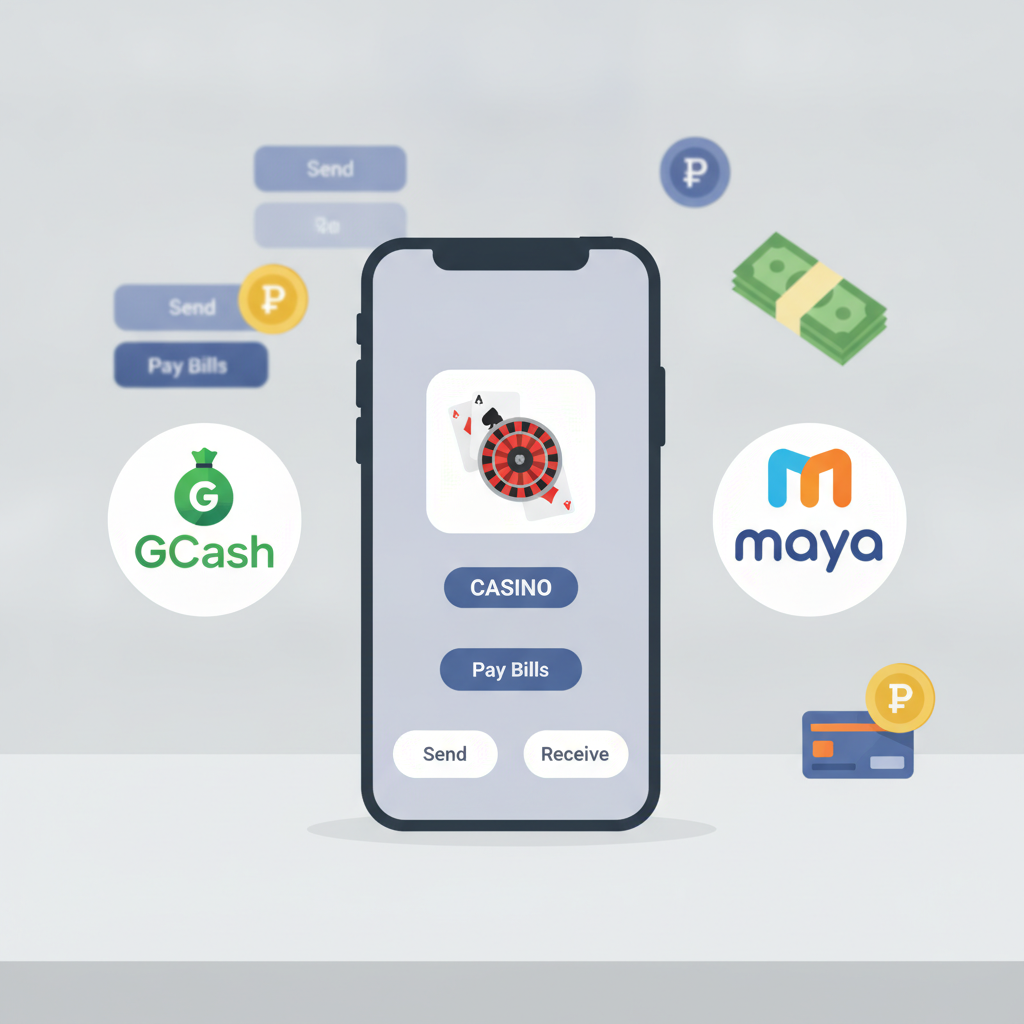
Is There an Official JD Wild App for iPhone in the App Store?
As of now, JD Wild does not offer a dedicated native app for iPhone in the Apple App Store. If you search for "JD Wild" in the App Store, you won't find an official download.
This is common for online casinos and sportsbooks serving the Philippine market. Apple's App Store policies restrict real-money gambling apps in many regions, including the Philippines. Even established platforms often skip the App Store route and rely on mobile-optimized websites instead.
What this means for iPhone users: you'll access JD Wild through Safari or another mobile browser, not through a downloadable app icon from the App Store. The good news is that JD Wild's mobile site is built to work smoothly on iOS, and you can add a shortcut to your home screen that behaves much like a regular app.
Using the JD Wild Mobile Site on Safari: Add to Home Screen Walkthrough
Even without an App Store download, you can create a home screen shortcut on your iPhone that launches JD Wild directly. Here's how to do it step by step:
Step 1: Open Safari and navigate to the JD Wild website
Type the JD Wild URL into Safari's address bar. Make sure you're on the official site—double-check the domain to avoid phishing copies.
Step 2: Tap the Share icon
Once the site loads, look for the Share icon at the bottom center of Safari (it looks like a square with an arrow pointing up). Tap it to open the share menu.
Step 3: Scroll down and select "Add to Home Screen"
In the menu that appears, scroll down until you see "Add to Home Screen." Tap it.
Step 4: Name the shortcut
Safari will suggest a name, usually based on the page title. You can keep it as "JD Wild" or rename it to something you prefer.
Step 5: Tap "Add" in the top-right corner
Confirm by tapping "Add." The shortcut icon will appear on your home screen alongside your other apps.
Step 6: Launch JD Wild from your home screen
Tap the new icon to open JD Wild in Safari. It will load in full-screen mode without the browser's address bar, giving you an app-like experience.
This shortcut stays on your home screen until you manually delete it. You can move it into folders or rearrange it just like any other app icon.
Progressive Web App (PWA) vs Native App: What's the Difference?
When you add JD Wild to your iPhone home screen, you're using what's called a progressive web app, or PWA. It's not the same as a native app you'd download from the App Store. Here's a quick breakdown of the differences:
Progressive Web App (PWA):
A PWA is a website optimized to behave like an app. It runs inside your mobile browser (Safari, in this case) but can be launched from a home screen icon and display in full-screen mode. Updates happen automatically when you reload the page—no manual downloads or App Store approvals required. JD Wild's mobile site is a PWA, designed to load fast, cache pages, and work offline for certain features.
Native App:
A native app is built specifically for iOS and downloaded from the App Store. It can access deeper system features like notifications, camera, and local storage. Native apps are installed as separate programs on your phone and require updates through the App Store.
For online casino and sportsbook use, the practical differences are minimal. A well-built PWA like JD Wild's mobile site can handle login, deposits via GCash or Maya, live betting, and slot play just as smoothly as a native app. You won't notice lag or missing features in day-to-day use.
The main trade-off: PWAs don't support push notifications the way native apps do. If you rely on alerts for live game updates or bonus offers, you'll need to check the site manually or enable browser notifications if JD Wild offers that option.
Performance, Login, and Deposit Experience on iOS Mobile Browser
JD Wild's mobile site is optimized for iPhone and other iOS devices. Here's what to expect when you use it through Safari or your home screen shortcut:
Loading Speed and Navigation
The site loads quickly on most 4G and 5G connections in Metro Manila and the provinces. Pages are compressed and images are sized for mobile, so even on slower networks, you should see the lobby and game thumbnails within a few seconds. Tap the menu icon (usually three horizontal lines) to navigate between slots, live dealer tables, sportsbook, and account pages.
Login Process
To log in, tap the login button on the home page, enter your registered mobile number or username, and type your password. If you've saved your credentials in Safari's password manager, iOS will offer to autofill them. Two-factor authentication or OTP (one-time PIN) may be required if JD Wild has enabled it for your account—check your SMS for the code.
If you see a "session expired" message or get logged out frequently, clear Safari's cache or disable "Prevent Cross-Site Tracking" for the JD Wild domain in Settings > Safari. Some security settings can interfere with session cookies.
Deposit and Withdrawal with GCash or Maya
To deposit, go to the cashier or wallet section, select GCash or Maya, enter your amount (common deposits are PHP 100 to PHP 500), and confirm. You'll be redirected to the GCash or Maya app or web gateway. Complete the payment there, then return to JD Wild—Safari should remember your session.
Withdrawals work the same way: choose your e-wallet, enter the amount, and submit. Processing times vary, but GCash and Maya cashouts typically appear within a few hours to one business day. If your cashout is pending longer than expected, check your account verification status or contact JD Wild support through the mobile site's chat or email option.
Bank transfers via InstaPay or PESONet are also available. InstaPay is faster (often same-day) but may have lower limits; PESONet takes one to three business days. Enter your bank account details carefully—mismatched names or account numbers can delay your cashout.
Game Performance
Slots and live dealer games run inside Safari's browser engine. Most HTML5 slots load smoothly on iPhone 11 and newer models. Older iPhones (iPhone 8, X) may experience occasional frame drops on graphics-heavy games, but standard slots and table games play fine.
Live dealer streams use adaptive bitrate, so video quality adjusts to your connection. On strong Wi-Fi or 5G, you'll get HD; on 3G or patchy LTE, expect lower resolution but stable playback.
Sportsbook and Live Betting
The JD Wild sportsbook interface is mobile-first. Tap a sport (PBA, NBA, volleyball), browse upcoming matches, and place your bet. Live betting odds update in real time, though you may need to refresh the page manually if odds freeze. Safari's reader mode and content blockers can interfere with live odds feeds, so disable them for the JD Wild domain if you run into issues.
Managing Your Account
You can update payment methods, check transaction history, request withdrawals, and contact support—all from the mobile site. Verification uploads (selfie with ID, proof of address) can be done directly from Safari using your iPhone's camera or photo library.
21+ Only, Responsible Gambling Reminder
JD Wild is for players aged 21 and over only. Gambling should be entertainment, not a way to make money. Set a budget in pesos before you play, and stick to it. If you feel you're spending more time or money than you can afford, take a break or seek help.
JD Wild provides responsible gambling tools such as deposit limits, session reminders, and self-exclusion options. Look for these in your account settings or contact support to activate them. Remember: no bet is guaranteed, and outcomes are determined by chance.
Summary: JD Wild does not have a native iPhone app in the App Store, but you can add the mobile site to your home screen for quick access. The progressive web app delivers a full casino, sportsbook, and cashier experience through Safari, with smooth performance for deposits via GCash and Maya, live dealer play, and sports betting. Keep your iOS and Safari up to date for the best experience, and always play responsibly.